free · windows and mac
the sky,
on your desktop.
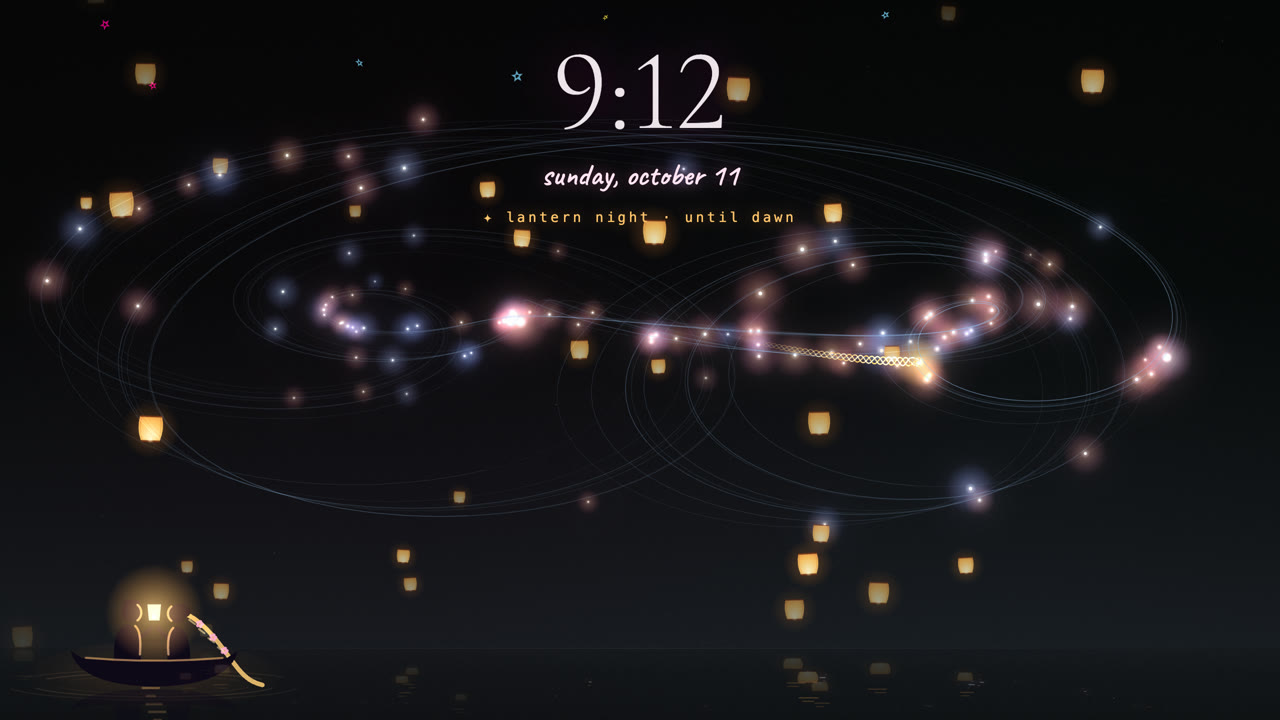
A live wallpaper of small good things: the night sky turning slowly, a light opened for you now and then, lanterns on the new moon, and a quiet clock.
- Install Lively Wallpaper. It's free and open source, from the Microsoft Store or its own site.
- Download the gtkh wallpaper (a small file, about 70 KB).
- Drag the file into Lively's window. (Or press + in Lively and choose the file.) Then click it to set it as your wallpaper.
- Make it yours. In Lively, open the wallpaper's ⋯ menu and choose Customize to switch the clock, 24-hour time, drifting between the sky and its words, and graphics-card drawing on or off.
Rather not download anything? In Lively press +, paste the address below, and it works the same way.
https://gtkh.org/wallpaper- Install Plash. A free app from the Mac App Store that turns any website into your desktop wallpaper.
- Add the sky. Click Plash's icon in the menu bar, choose Add Website, and paste:
https://gtkh.org/wallpaper - That's it. To stir the ink and tap the moon, turn on Plash's Browsing Mode for a moment; turn it off to use your desktop again.
- Options go on the end of the address:
?h24=124-hour time ·?clock=0no clock ·?drift=1drift between the sky and its words. Join more than one with&, likehttps://gtkh.org/wallpaper?h24=1&drift=1
- A spare screen, a TV, a tablet on a stand, a Raspberry Pi: open this page full screen and leave it on.
https://gtkh.org/display - It shows the same sky as the wallpaper, with the clock, and keeps itself fresh, so it can stay on for days.